
In today’s digital era, where online safety for children is a necessity, parents are increasingly turning to parental control apps. Qustodio and Bark are frontrunners in providing digital safety solutions, offer diverse features, from screen time management to advanced monitoring of social interactions. but they bring different strengths to the table. I thoroughly tested these two apps and will tell you their differences to help you make the right decision.

WD Blue SN570 vs. Samsung 980 : Lequel choisir ?
Allons droit au but.
Les SSD NVMe WD Blue SN570 et Samsung 980 sont pratiquement identiques en termes de caractéristiques. Les deux fonctionnent utilisent une interface PCIe Gen 3×4. En ce qui concerne la mémoire NAND, les deux ont de la mémoire NAND TLC. De plus, ce sont tous deux des SSD sans DRAM.
Les deux ont le même TBW et des performances en lecture/écriture similaires. Les deux proposent une garantie de 5 ans ainsi qu’un bon service après-vente. Il y a de encore nombreuses autres similitudes entre les deux et il est difficile de leur trouver des différences en termes de caractéristiques.
Votre choix du meilleur SSD entre les deux ne dépendra que de deux choses : la marque et la différence de prix.
[Read more…] about WD Blue SN570 vs. Samsung 980 : Lequel choisir ?eMMC vs. SSD : Quelle est la différence ?
Choisissez le bon stockage pour votre appareil.
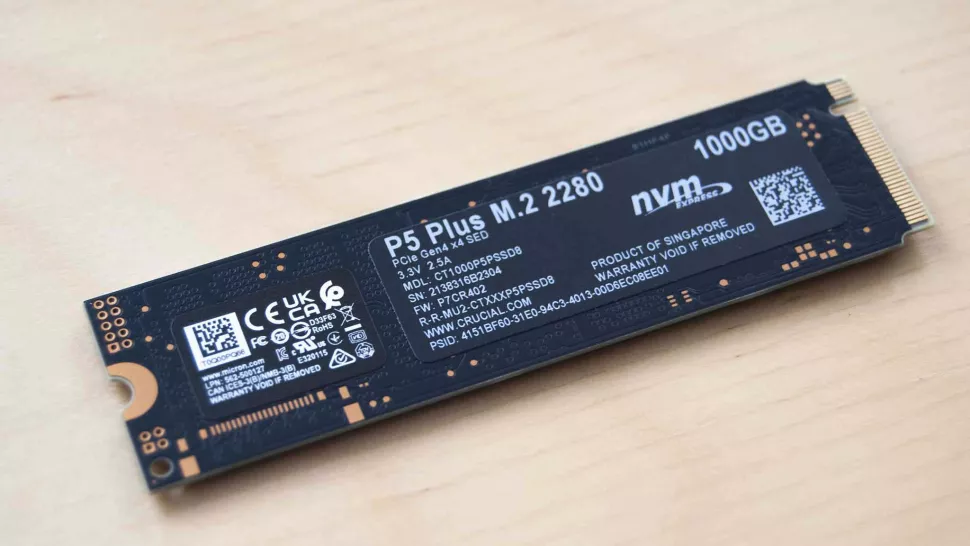
eMMC ou SSD : Quelle est la différence ?
Meilleure réponse : eMMC (Embedded MultiMediaCard) et SSD (solid-state drive) ont beaucoup en commun, notamment l’utilisation de mémoire flash NAND. Par contre, les SSD sont presque toujours plus performants et ont des tailles plus importantes pour le stockage. Dans la plupart des cas, à moins de vouloir un PC pas cher, nous vous conseillons un SSD plutôt qu’un stockage eMMC.
Qu’est-ce qu’un stockage eMMC ?
La mémoire MultiMediaCard (MMC) est le prédécesseur de ce qu’on appelle couramment le Secure Digital (SD). Le MMC existe encore sous différentes formes, mais le plus souvent, c’est sa version intégrée (eMMC) que vous trouverez.
[Read more…] about eMMC vs. SSD : Quelle est la différence ?Meilleur Ecran Gaming 144 Hz Pas Cher
Les écrans 144 Hz ont beaucoup d’avantages – ils offrent de bonnes performances gaming pour pas très cher, ils ont généralement de bons temps de réponse, et sont généralement moins onéreux que les modèles 240 Hz ou 360 Hz.
Dans l’article du jour, nous allons jeter un oeil aux meilleurs écrans 144 Hz pour le gaming en 2023. Nous allons comparer les performances gaming, la précision des couleurs et les fonctionnalités, pour déterminer lequel est le meilleur et pourquoi.
Nos Meilleures Options:
Écrans 144 Hz 1080P Pas Cher
Très Abordable
1
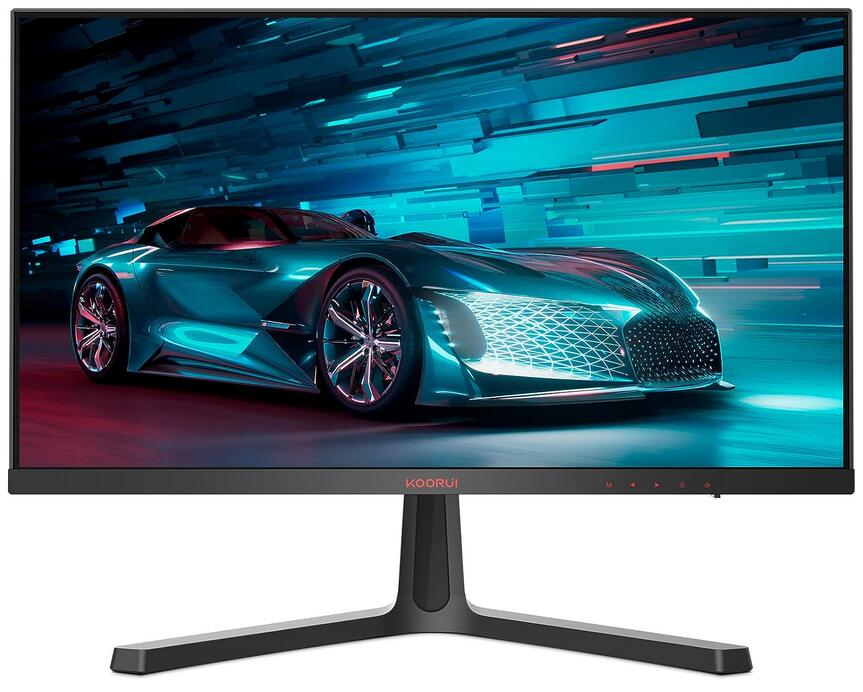
KOORUI Ecran PC Gaming 24 Pouces – Full HD (1920 x 1080), VA, Ecran 144hz 165Hz, 1ms, DCI-P3 85%, AdaptiveSync Technologie
Ecran 24 pouces à 165 Hz très abordable
Main Highlights
The Koorui 24E4 offers more than what you pay for it, thanks to its generous refresh rate and contrast. However, its best characteristic is its very lower price which you won’t catch with other brands. It is not the flashiest or built like a tank, but it will serve its purpose well in a budget to midrange gaming setup.
But on the other hand, there are some limitations that come with the extremely lowered price point. The panel isn’t the best in imaging quality and pixel response times, plus the device’s features are rather limited. However, we still think that it offers a lot of bang for your buck, considering that it’s priced like a 60Hz office monitor.
Pros:
- Very Low Price
- High Contrast
- FreeSync and G-Sync Compatible
Cons:
- Prone to Blurring
- Limited Features
See the Offer
on Amazon
2
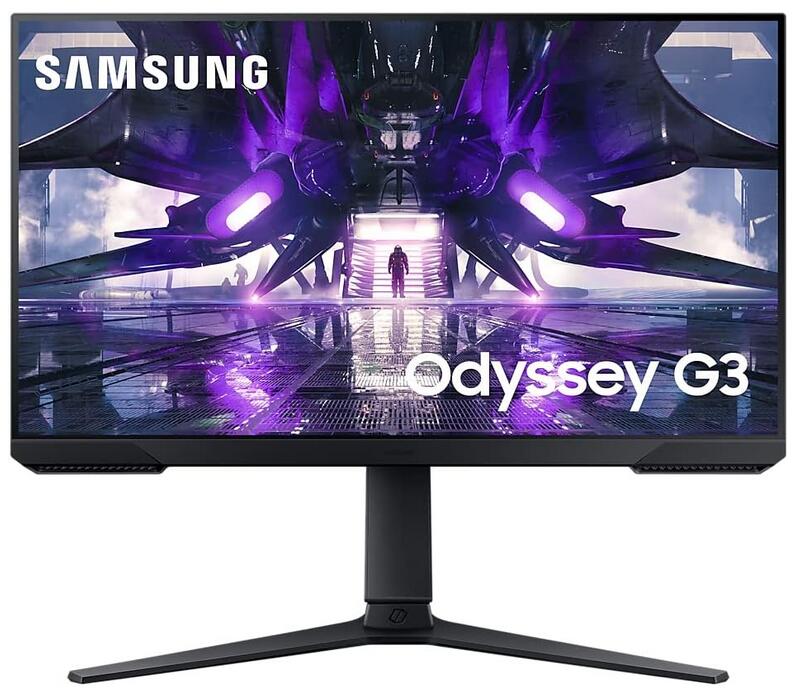
SAMSUNG ODYSSEY G3 24 » Ecran PC, Dalle IPS 24″, 1920 x 1080, 165Hz, 1ms, AMD Freesync
The Samsung Odyssey G3 S24AG30 is a basic 1080p gaming monitor available in a 24 or 27 inch size. It has a high 144Hz refresh rate with variable refresh rate (VRR) support in the form of native FreeSync and G-SYNC compatibility. Like other monitors in the Samsung Odyssey lineup, it has a VA panel with high native contrast for deep blacks, but it lacks local dimming and has narrow viewing angles, so the image looks washed out from the sides. It’s limited on extra features, as it doesn’t support HDR, and even though it has a USB input, you can only use it as a service port and not for charging.
Pros :
- 144Hz refresh rate.
- Swivel, tilt, and height adjustments.
- High native contrast ratio and decent black uniformity.
- Decent text clarity.
- Good reflection handling.
Cons :
- 24 inch size doesn’t offer a ton of screen real estate.
- Narrow viewing angles.
- No HDR support.
- Doesn’t get bright enough to fight glare.
>> View User Reviews On Amazon <<
See the Offer
on Amazon
3
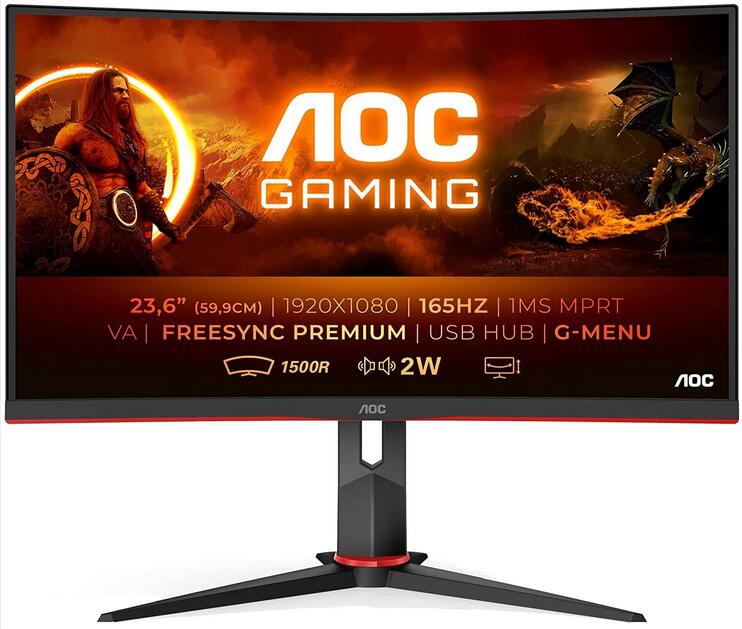
AOC 24G2 (23,8 pouces) (FreeSync, temps de réponse de 1 ms, 144 Hz, 1920×1080)
The AOC 24G2 is an excellent budget gaming monitor. It delivers incredibly smooth and responsive gameplay due to its low input lag, 144Hz refresh rate, and exceptional response times. Its small screen size and 1080p resolution are a bit limiting for productivity, and its viewing angles are somewhat narrow, resulting in a washed-out image when viewed from the side. It handles reflections well, though, and it gets bright enough to combat glare. Unfortunately, it doesn’t support HDR, and while its contrast is quite good for an IPS panel, blacks still look grayish in the dark.
Pros :
- 144Hz refresh rate.
- Exceptional response time.
- VRR support.
- Great ergonomics.
- Gets bright enough to fight glare in most settings.
- Full sRGB coverage.
- Great reflection handling.
- Decent text clarity.
Cons :
- Small screen size not ideal for multitasking.
- Blacks look gray in the dark due to low contrast.
- Image looks washed out from the side.
- Doesn’t get bright enough to fight glare.
- No HDR support.
>> View User Reviews On Amazon <<
See the Offer
on Amazon
1
LG UltraGear™ 24GN60R-B Ecran PC 24″ – IPS résolution FHD (1920×1080), 1ms GtG 144Hz, HDR 10, sRGB 99%, AMD FreeSync Premium,
Main Highlights
Pro:
- Good image quality thanks to the IPS panel it uses
- Fast 144 Hz refresh rate
- Support for AMD Freesync (Premium)
- Its height and tilt can be adjusted
- Nice design and anti-glare coating
- It’s VESA compatible
Cons:
- No support for Nvidia G-Sync
- No USB hub
>> View User Reviews On Amazon <<
See the Offer
on Amazon
Écrans 144 Hz 1440P Pas Cher
best 4K144Hz monitor
1
LG UltraGear™ 27GN800P-B Ecran PC 27″ – IPS 2560×1440, 1ms GtG 144Hz, HDR 10, sRGB 99%, AMD FreeSync Premium, compatible NVIDIA G-Sync, inclinable
The LG 27GN800P is a great gaming monitor from LG’s UltraGear lineup. It’s very similar to the LG 27GN850-B with a nearly identical panel but a much cheaper stand, so don’t expect much ergonomic adjustability. When it comes to gaming, it delivers exceptionally smooth motion thanks to its fast response time and 144Hz refresh rate. It also has low input lag and variable refresh rate (VRR) support. Like other IPS panels, it has a low contrast ratio that makes blacks look gray in the dark, but on the upside, its viewing angles are wide enough to easily share content on your screen. Glare shouldn’t be an issue either since it gets quite bright and has great reflection handling. While it has a wide HDR color gamut and delivers an okay HDR experience, it doesn’t get bright enough to make highlights truly pop. On the upside, it has a fantastic color gamut in SDR.
Pros :
- Exceptionally fast response time.
- Low input lag.
- Native FreeSync and G-SYNC compatible.
- Bright enough to fight glare.
- Size and resolution are well-suited for many uses.
Cons :
- Poor contrast ratio.
- Cheap stand with terrible ergonomics.
>> View User Reviews On Amazon <<
See the Offer
on Amazon
1
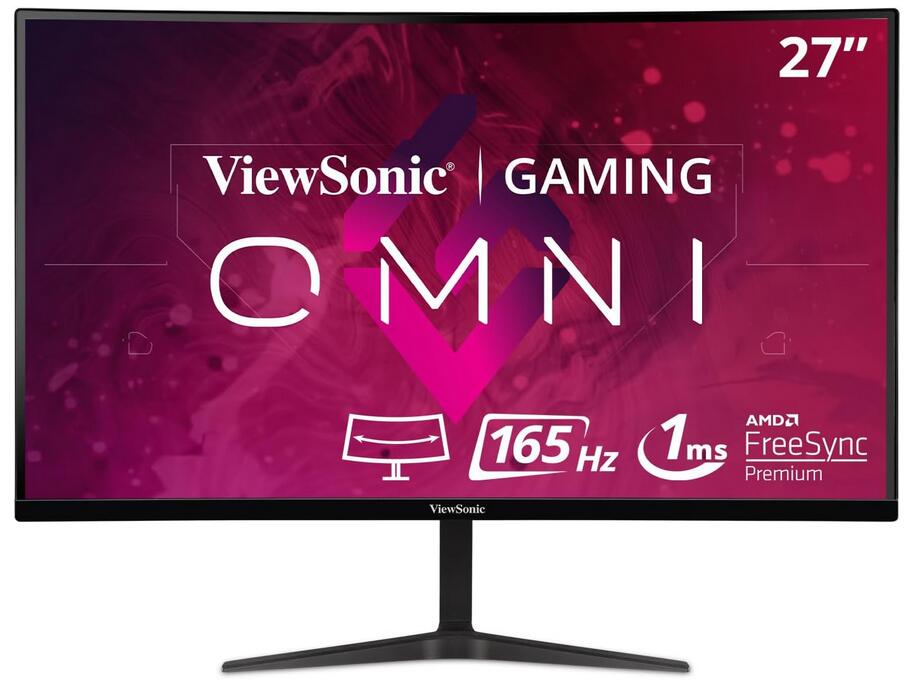
ViewSonic VX2718-2KPC-MHD incurvé 27″, 2K, Dalle VA, 165hz, 1ms MPRT, Adaptive Sync
Main Highlights
The ViewSonic VX2718-2KPC-MHD is at a pleasant price level and can convince its features. Its gray-to-gray change in 3 milliseconds stands out from the competition. The various default settings for the different requirements make sense and make it easy to switch from office to gaming quickly. The 165 Hertz mode ensures maximum performance when gaming and shows its advantages in desktop mode. The display shows an excellent black level, which is a real pleasure. The equipment is appropriate and fulfills its purpose. Switching between the resolutions could, however, be a bit faster. If you are looking for a fast monitor with a curved display for gaming purposes, you will find an inexpensive candidate here, fully meeting the basic requirements. But the larger screen also helps keep the overview in tables in the office.
>> View User Reviews On Amazon <<
See the Offer
on Amazon
Super Affordable 27 Pouces
3
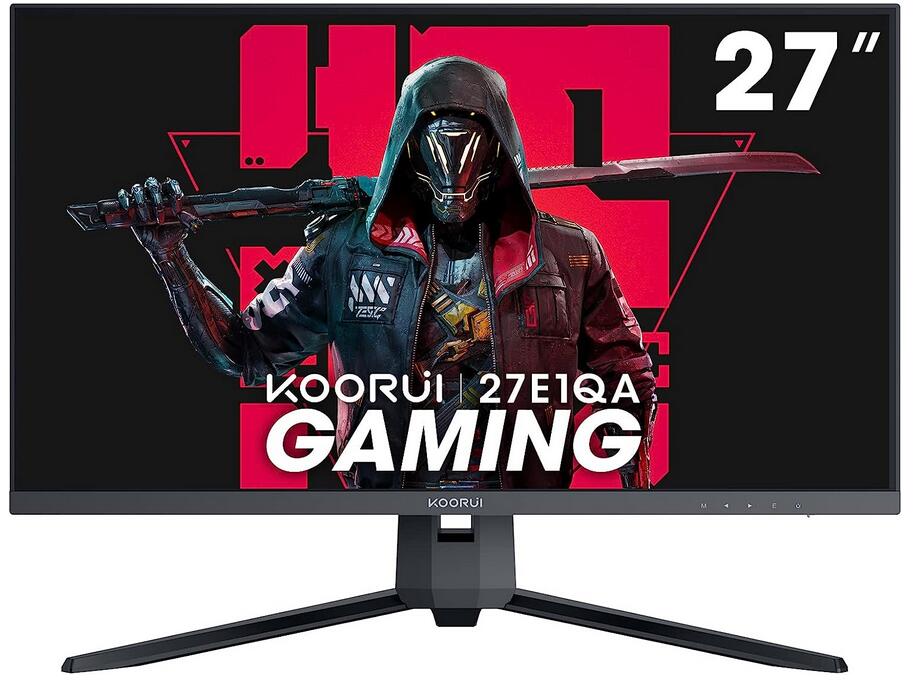
KOORUI Ecran PC Gaming 27 144hz, Dalle VA, Résolution WQHD (2560 x 1440), 1MS, Display Port & 2X HDMI, Adaptive Sync, Noir
Super Affordable 27 Inch 144 Hz Gaming Monitor
See the Offer
on Amazon
1
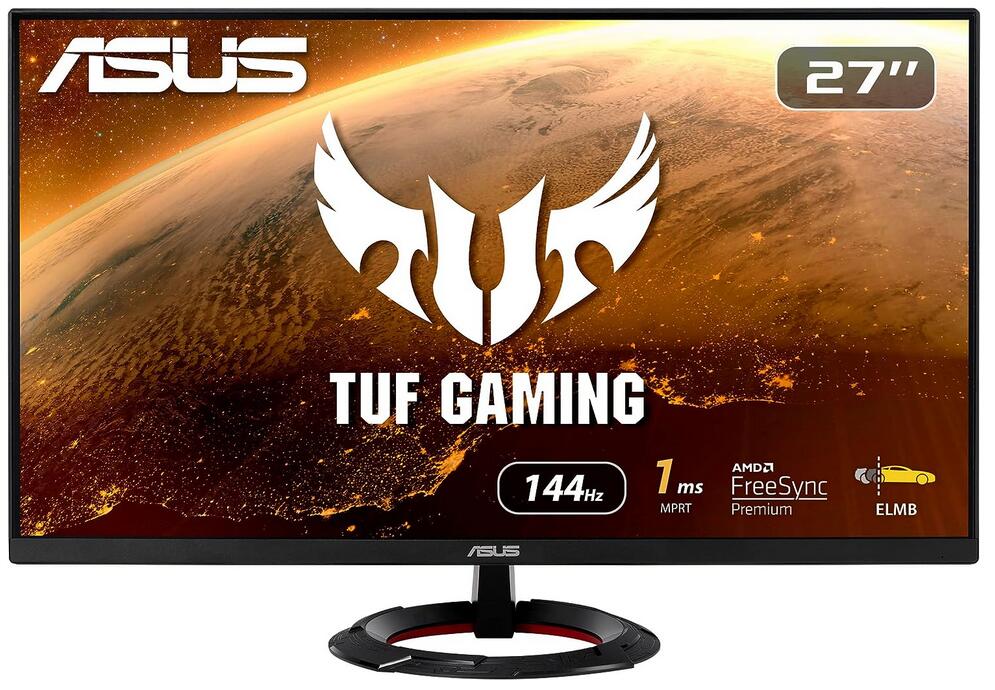
ASUS TUF VG279Q1R – Ecran PC 27″ – Dalle IPS – 144Hz – 1ms – 1920×1080 – 250cd/m² – AMD FreeSync Premium
The ASUS VG279Q is a good 27 inch, 144Hz monitor with an IPS panel. It has a simple design with outstanding ergonomics. It delivers a good picture quality, with extremely accurate colors and great peak brightness, but it’s limited a bit by its 1080p resolution. Motion looks great thanks to the extremely fast response time, and it has a black frame insertion feature to help reduce any motion blur. It also supports FreeSync variable refresh rate technology to reduce tearing in games. Unfortunately, as is the case with most IPS monitors, it doesn’t look good in a dark room due to its low contrast ratio, but it has wide viewing angles.
Pros :
- Fantastic motion handling.
- Outstanding color accuracy out of the box.
Cons:
- Limited 1080p resolution.
- Mediocre dark room performance.
See the Offer
on Amazon
1
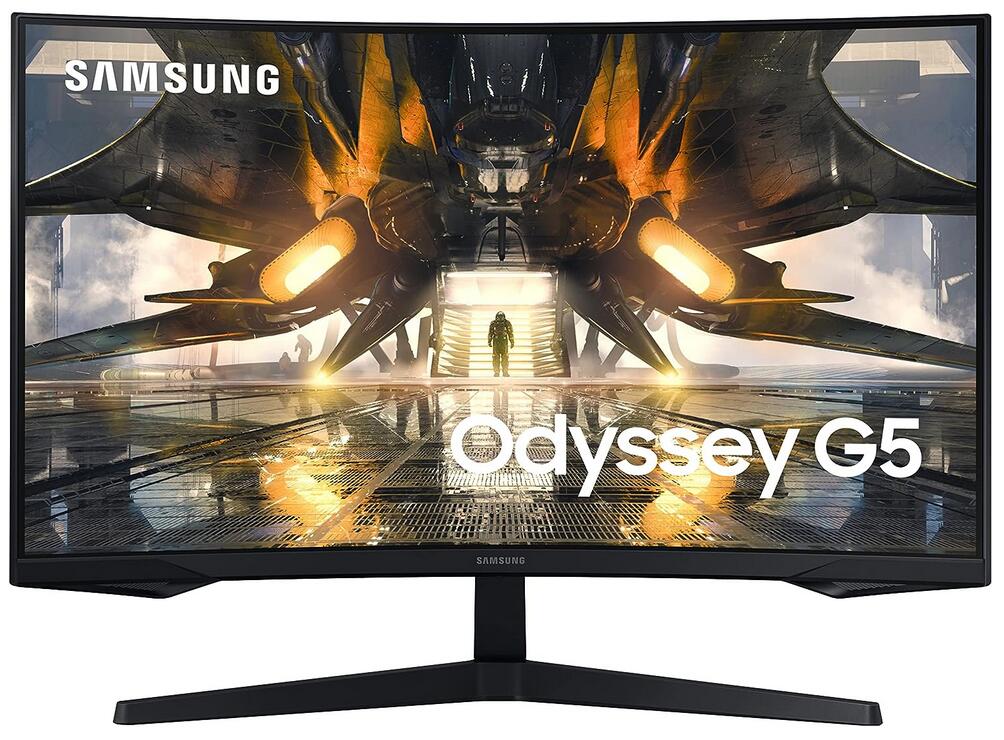
SAMSUNG ODYSSEY G5 27 » Ecran PC,Incurvé 1000R, Dalle VA 27″,2560 x 1440, 144 Hz, 1ms, FreeSync, HDR10
The Samsung Odyssey G5 S27AG55 is a mid-level 1440p gaming monitor. It’s part of Samsung’s 2021 Odyssey gaming lineup, it sits above the Samsung Odyssey G4 S27BG40, which has a higher refresh rate, but lower resolution. It’s available in both a 27 and 32-inch model, and both sizes have a curved 1440p VA panel and a fast 165Hz refresh rate. It’s FreeSync Premium certified and supports HDR, but there are very few additional gaming features. It also lacks advanced productivity features, like USB 3.0 or USB-C inputs.
Pros :
- Good contrast.
- Low input lag.
- FreeSync Premium support.
- Good contrast.
- Good reflection handling.
- Good text clarity.
- Excellent SDR color gamut.
- Superb gradient handling.
Cons :
- Low peak brightness.
- Poor horizontal viewing angle.
- Bad response time.
- Terrible ergonomics.
- Poor horizontal viewing angle.
- Bad response time.
>> View User Reviews On Amazon <<
See the Offer
on Amazon
Nvidia RTX 3050 vs Nvidia RTX 3060 – Quelle est la meilleure carte ?
Introduction
Avec la sortie nébuleuse des Nvidia RTX 4000, nous commençons à voir des baisses de prix sur les RTX 3000. Cela n’est pas surprenant pour les consommateurs dans la mesure où Nvidia cherche à épuiser un maximum ses stocks avant la sortie de ses nouveaux GPU plus puissants.
[Read more…] about Nvidia RTX 3050 vs Nvidia RTX 3060 – Quelle est la meilleure carte ?Intel Core i5 13600K vs Core i5 12600K : Lequel est le meilleur ?
Intel a décidé d’oblitérer toute concurrence avec ses CPU Raptor Lake qui ont détrôné tous les CPU des précédentes générations malgré les CPU Alder Lake presque aussi intéressants que les Ryzen 5000.
Dans cet article, nous allons jeter un oeil aux CPU les plus populaires pour le gaming, les Core i5 débloqués de génération Alder Lake et Raptor Lake. Il est absolument nécessaire de comparer l’i5 12600K et l’i5 13600K dans tous les domaines pour voir lequel est le meilleur choix pour monter un PC tout neuf.
Nous allons comparer ces deux CPU selon leurs caractéristiques, performances, compatibilité, températures et consommation, et enfin leurs rapports performances/prix.
Différences de caractéristiques
| Caractéristiques | INTEL CORE i5 13600K | Intel Core i5 12600K |
| Nom de code | Raptor Lake | Alder Lake |
| Lithographie | Intel 7(10nm) – SuperFin | Intel 7(10nm) |
| Socket | LGA 1700 | LGA 1700 |
| Cores/Threads | 14/20 | 10/16 |
| Vitesses d’horloge | 2.6-3.9GHz (E-core) 3.5-5.1GHz (P-core) | 2.8-3.6GHz (E-core) 3.7-4.9GHz (P-core) |
| Cache L3 | 20/24MB | 9.5/20MB |
| TDP | 125W-181W | 125W-150W |
| Puce graphique intégrée | Oui | Oui |
Il est clair en voyant les caractéristiques qu’Intel a apporté les changements les plus significatifs entre Alder Lake et Raptor Lake en portant le 13600K au niveau d’un i7 de génération précédente.
[Read more…] about Intel Core i5 13600K vs Core i5 12600K : Lequel est le meilleur ?